
Support that starts after the invoice
What is covered, how to reach an engineer, and the maintenance routine that decides whether a printer lasts three years or ten.
What the warranty covers
One year on key components
Mainboards and motors are covered for one year. If a covered part fails inside that window the repair or the replacement part is free.
Replacement board shipped immediately
Faulty parts are repaired on a return basis, and a replacement mainboard is dispatched straight away so the machine is not waiting on the repair.
Parts stay available after the warranty
Printheads, mainboards, dampers and other critical parts remain available at competitive rates once the warranty period ends.
Tested before it ships
Every machine goes through third-party supervision and random inspection before delivery, so faults are found at the factory rather than on your floor.
Reaching an engineer
Phone, email and WhatsApp
Reach the service team on whichever channel is fastest for your operator. Most print-quality questions are settled in one call.
Remote diagnostics
The technical team can connect remotely for diagnostics, troubleshooting and guided repairs, which usually removes the wait for a site visit.
Manuals and video guides
Detailed user manuals and technical documentation cover the common faults, so your own team can clear them without escalating.
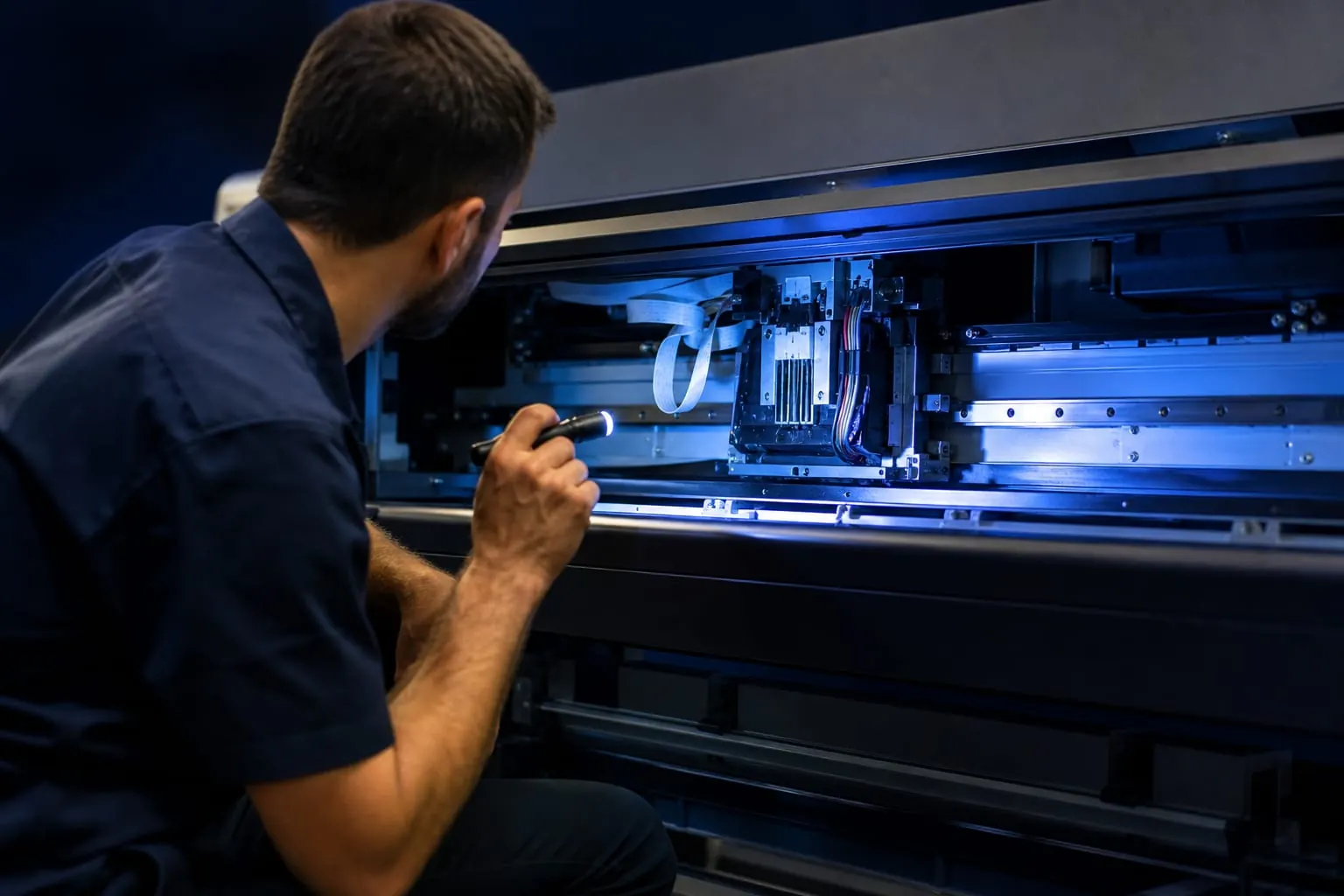
Maintenance guide
The routine that keeps a printhead alive
Daily
Regular maintenance prevents the two faults that cost the most production time: clogged printheads and interrupted ink flow.
- Clean the printhead
- Wipe the printhead surface carefully to remove dust, dried ink or debris. This prevents clogging and keeps the print clean.
- Check the ink system
- Check ink levels and confirm the ink flows smoothly, with no bubbles or leaks.
- Monitor negative pressure
- Confirm the negative pressure system is working so ink delivery stays consistent.
- Keep it powered on
- Leave the printer powered on through the working day to keep ink circulating and stop it drying in the lines.
Weekly
Weekly inspection catches wear early, before it turns into a printhead or carriage problem.
- Clean capping stations and wipers
- Residue builds up here first, and it will damage the printhead if it is left.
- Inspect dampers and filters
- If ink flow has become inconsistent, clean or replace the damper.
- Check drag chains and cables
- Look for cracks or excessive wear along the full travel.
- Check drying and heating
- Verify temperature is distributed evenly so ink adheres and dries properly.
Monthly
Monthly work is what keeps a machine holding its tolerances over years rather than months.
- Calibrate carriage and alignment
- Correct calibration keeps printing accurate and prevents misalignment building up.
- Lubricate the guide rails
- Apply lubricating oil to the THK guide rails to reduce friction and noise.
- Check the electronic board
- Check mainboard stability and all connections, and replace anything showing irregularities.
- Check the power supply
- A stable supply is what keeps the rest of the machine reliable.
Something not printing right?
Send the model, the symptom and a photo of the output. Most print-quality faults are diagnosed without a site visit.